Same bytes, new name
“report (1).pdf” with exactly the contents of “report.pdf”. Compared byte for byte; the original always stays.
Automated clutter control/for Mac
Airlock tidies your Downloads folder, files away your screenshots, and ejects old installers. Automated clutter removal with Airlock.
Free. No account, no subscription, no tracking.
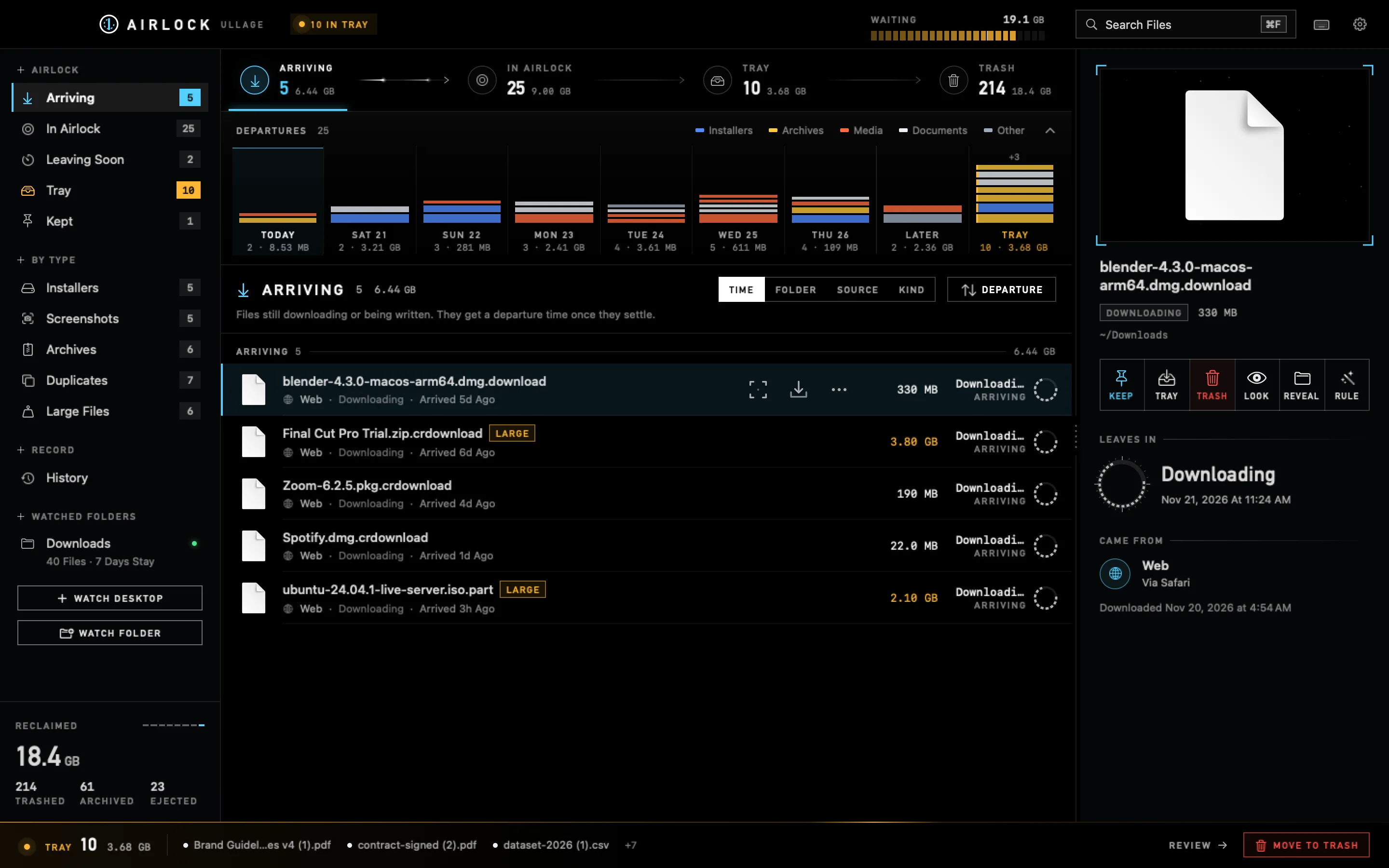
Installers leave mounted drives in Finder and big files in Downloads. Airlock spots the finished install and ejects the mount automatically.
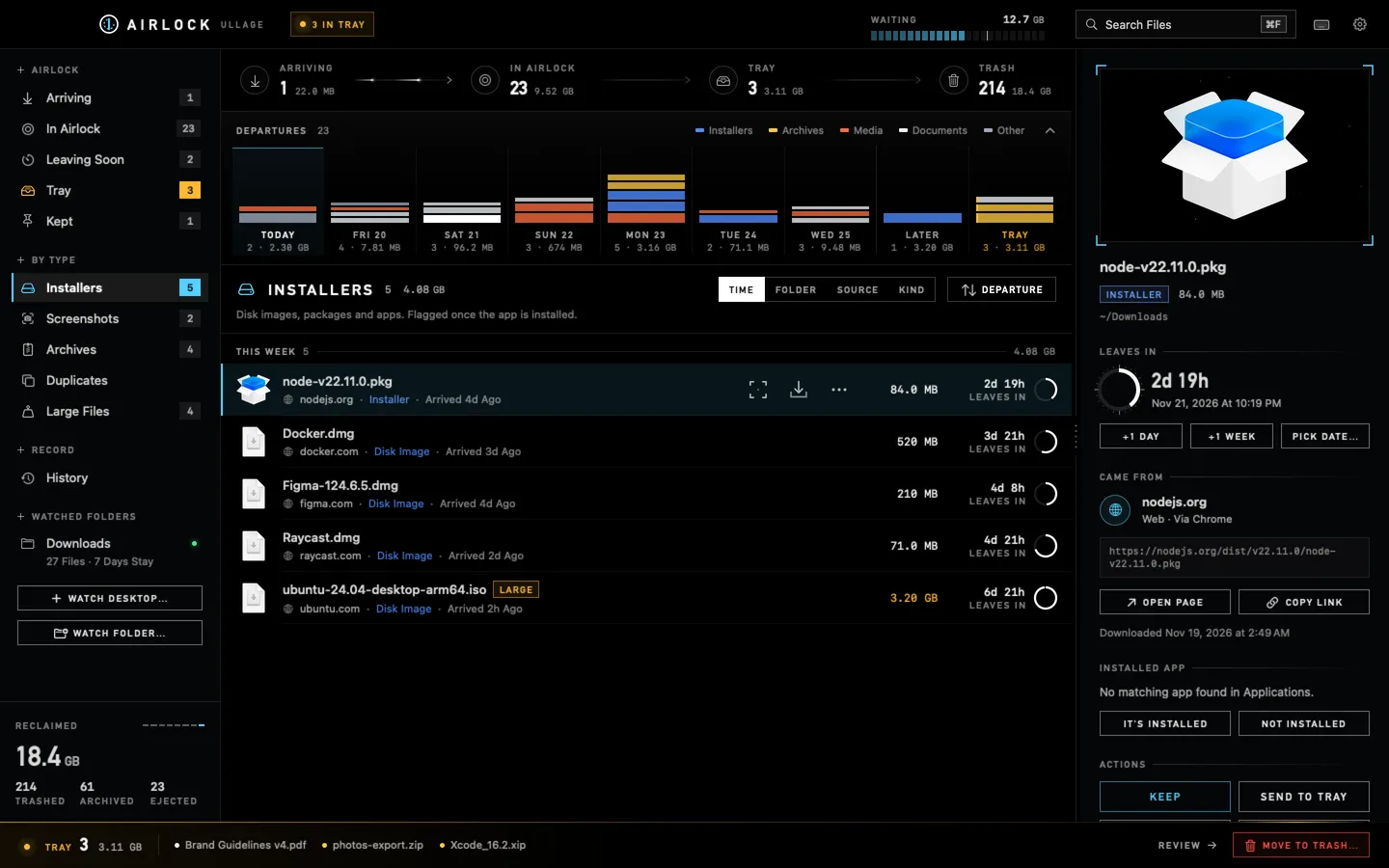
A Finder sidebar lists three mounted installer drives under Locations: Figma, T3 Code and Docker. One by one Airlock ejects each drive and its installer moves to the Tray, until no installer drives are left.
Your Desktop stays clear. Screenshots are filed by what’s on screen, right away or after a delay.
Duplicates, unpacked zips and stalled downloads pile up. Airlock spots them for you and tidies them into the Tray.
“report (1).pdf” with exactly the contents of “report.pdf”. Compared byte for byte; the original always stays.
An archive next to the folder it unpacked into. The folder stays; the zip can go.
A .crdownload or .download that hasn’t moved in days. It gets a nudge instead of a departure.
Anything above the size you set gets a badge and its own list, so the big ones never hide.
Expired files wait in the Tray until you say so. Trashing takes a hold of the button, and History puts anything back, even after a restart.
They go to the Trash, not away for good. Undo brings them back.
Demo only. Nothing will be touched.
No accounts, no analytics, no ads. Airlock can’t reach the internet, so your data never leaves your Mac.
Hover a line.
Still wondering? Write to Support.
No. Removal always means the Finder Trash, and only after you confirm. History puts anything back, even after you quit. If you want the review skipped, Settings has two opt-in choices: trash expired files after a day in the Tray, or straight away. Files in iCloud Drive always wait for you, because trashing one removes it from every device.
Mac App Store apps run in the App Sandbox. Airlock can read Downloads without asking; any other folder, the Desktop included, you pick once in the standard Open panel and Airlock remembers it. Downloads alone works fine.
You choose when you set it up: give them a grace period (they leave that many days from today), or count from when they arrived. Airlock shows how many would go straight to the Tray before you choose.
macOS stores it with every download: the page, the link, and the app that saved it. Airlock reads that on your Mac, keeps it with the file’s record, and still knows it after you rename the file.
Only if you turn on Group By What’s On Screen. Then Apple’s Vision framework reads each screenshot on your Mac, in about 50 milliseconds, to name a folder for the app or website it shows. Nothing leaves the Mac, and no image or text is kept.
Airlock is built without the network entitlement, so it has nowhere to send anything. No accounts, no analytics, no ads, no crash reporter. On the App Store it is declared as “Data Not Collected”.
macOS 14 Sonoma or later, on Apple silicon and Intel Macs. It lives in the menu bar and the Dock, or only the menu bar if you prefer.
An airlock is the chamber between two doors. Things come in through the inner door, wait, and only leave when the outer door opens. That is what happens to every download.
Final countdown/SEQ 10
Airlock runs on Apple silicon and Intel Macs, on macOS 14 or later. Free on the Mac App Store.
macOS 14+ · Apple silicon & Intel · English
There may be more in here. Try the Konami code.
? mission hotkeys